Conjunction

Download on the App Store

Writing prompts, a timer, notes, a private diary, and writing reminders. For iPhone, iPad, and Mac.

Screenshots
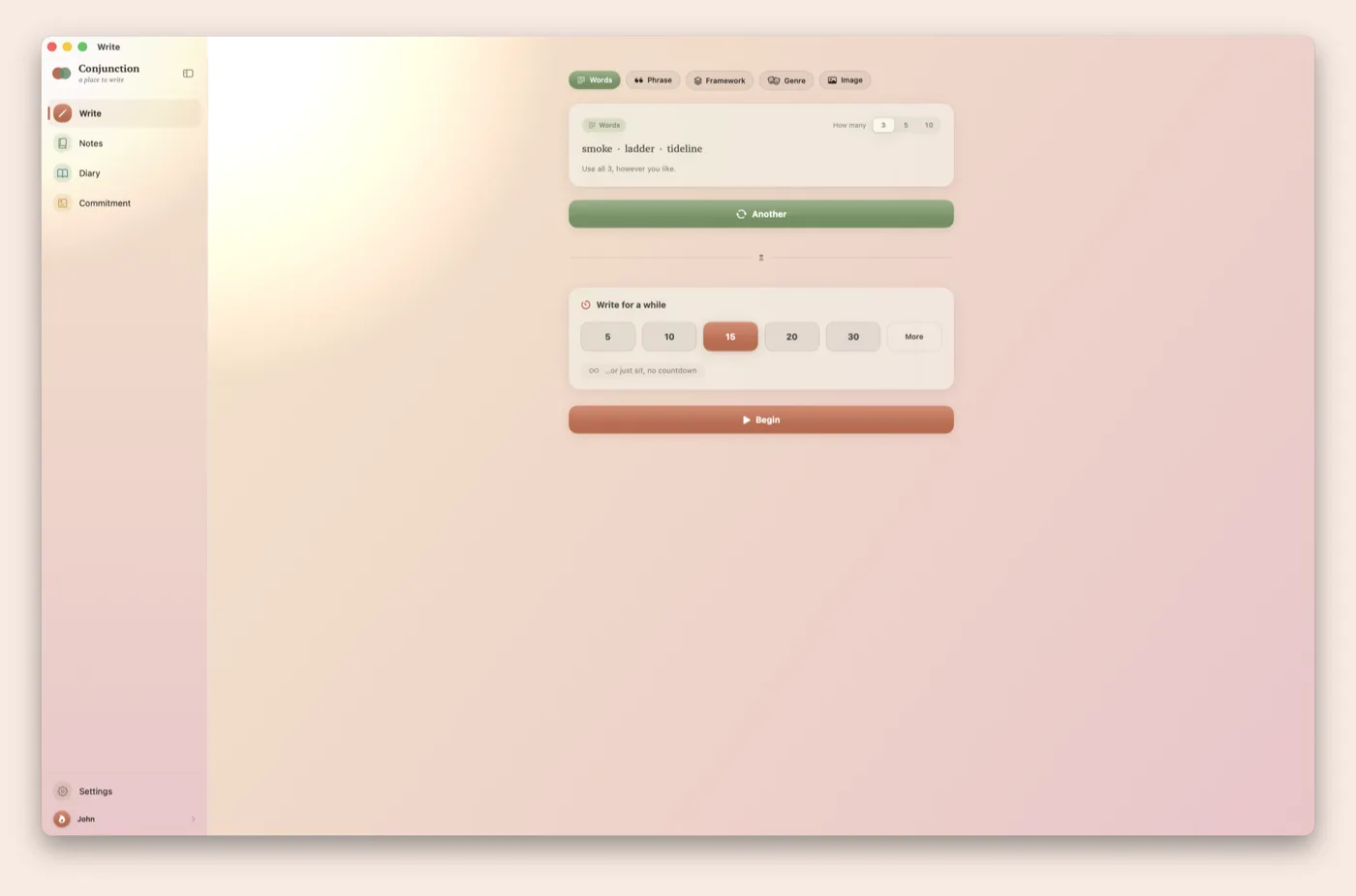
Conjunction on Mac: the Words prompt showing three words to write from
Words promptThree, five, or ten unrelated words to write from.
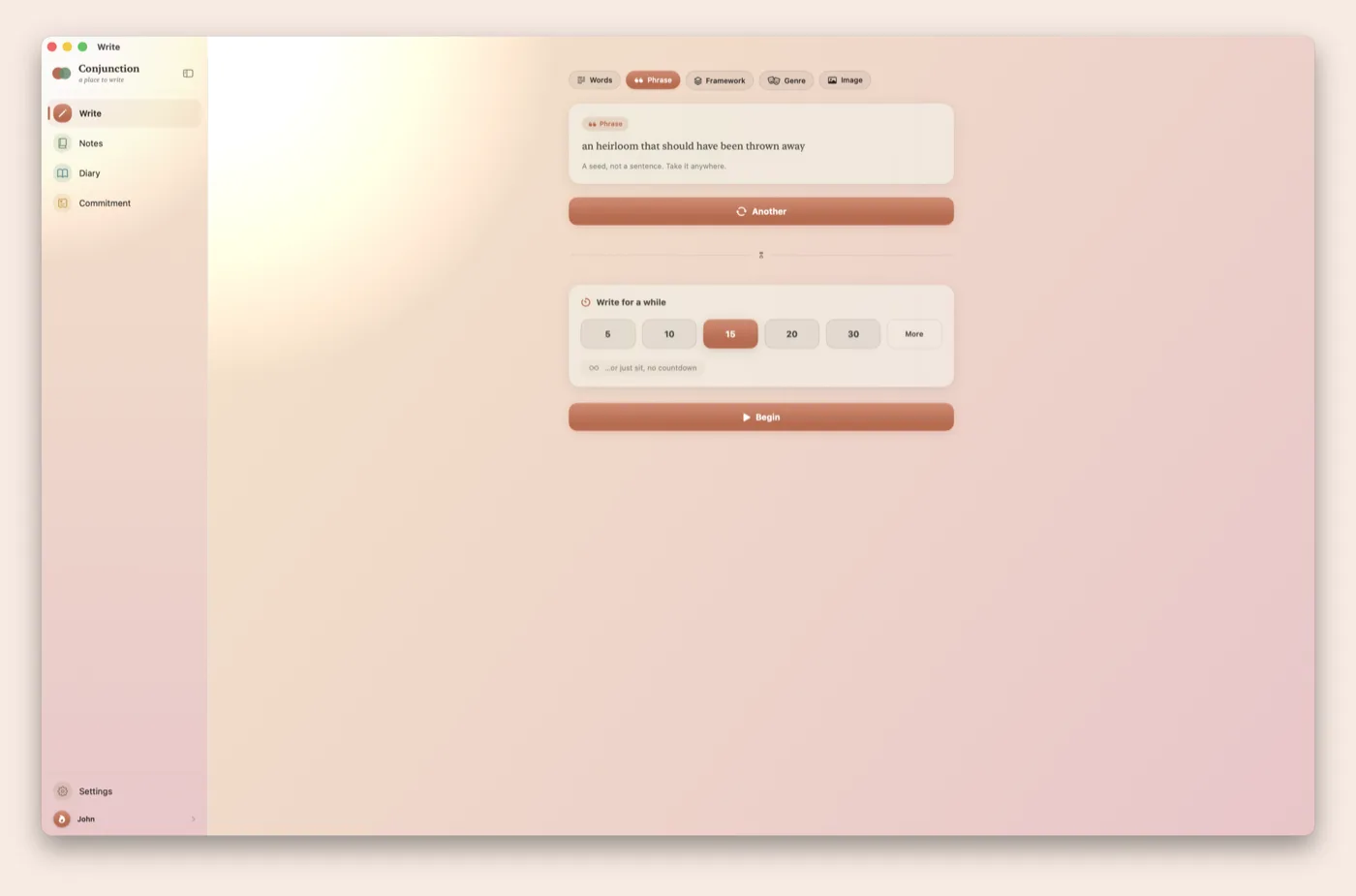
The Phrase prompt: a single evocative line to start from
Phrase promptA single phrase to start from.
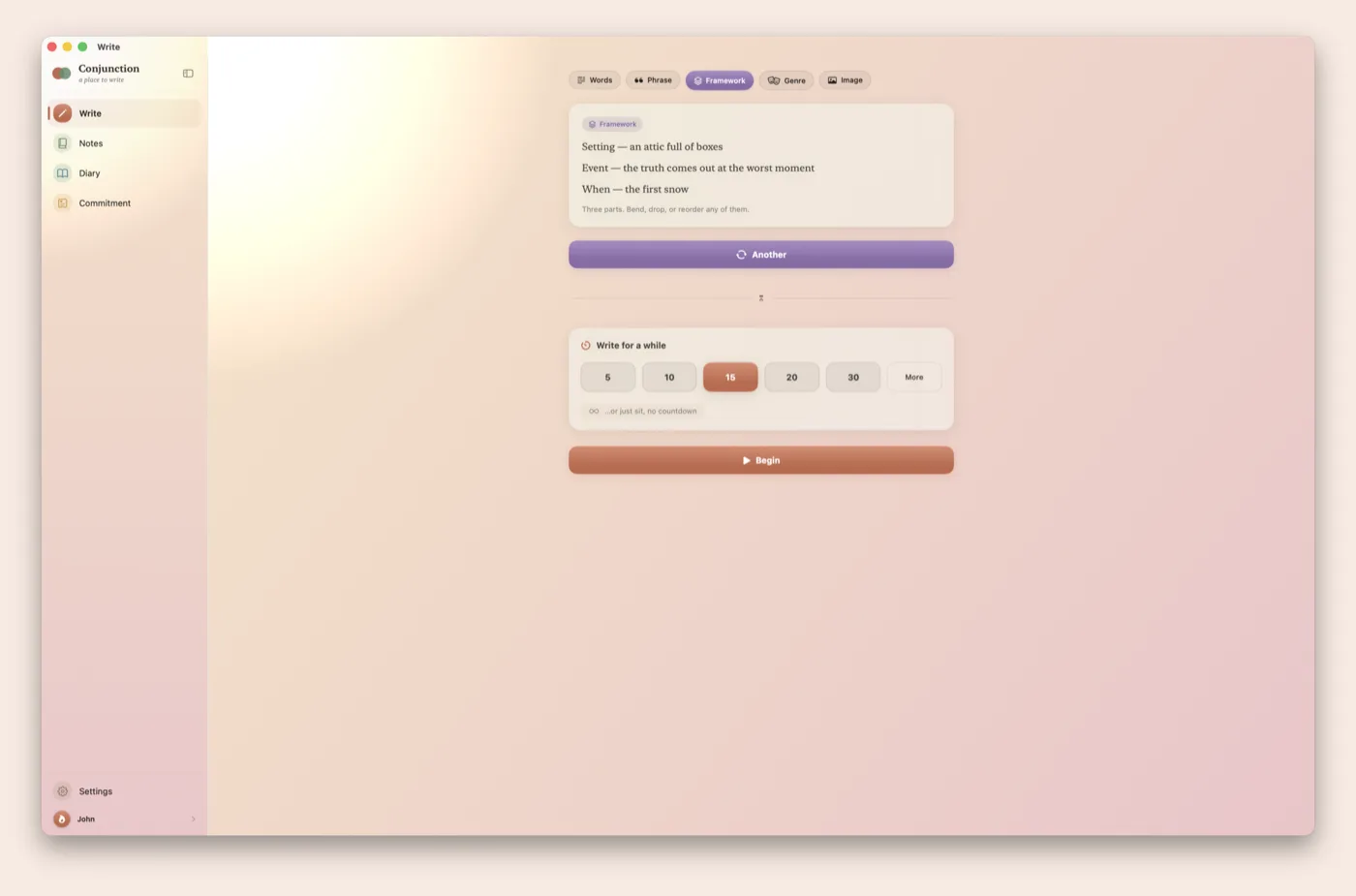
The Framework prompt: a setting, an event, and a when
Framework promptA setting, an event, and a time. Use, change, or drop any of them.
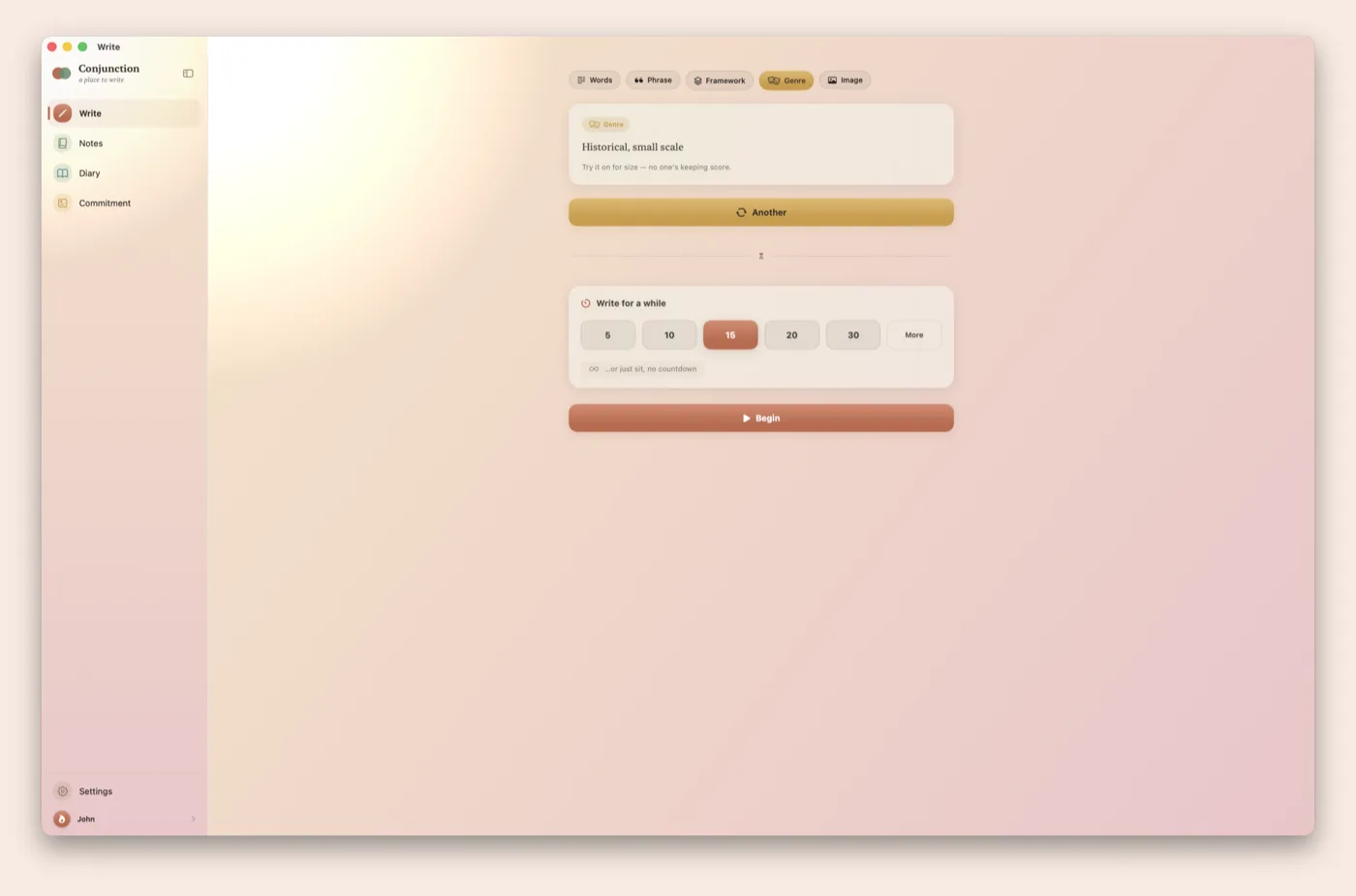
The Genre prompt suggesting a form to try
Genre promptA genre or form to try.
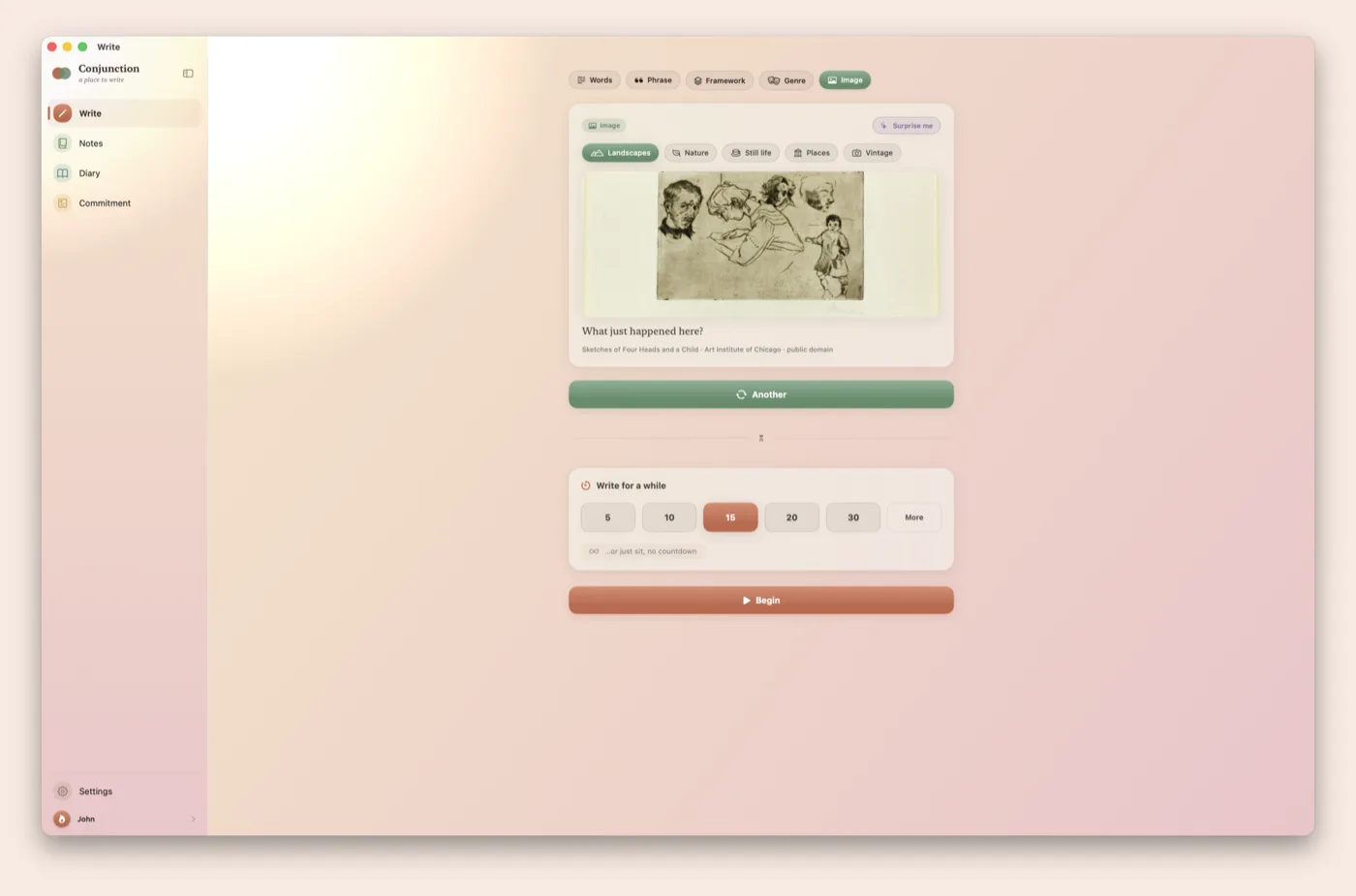
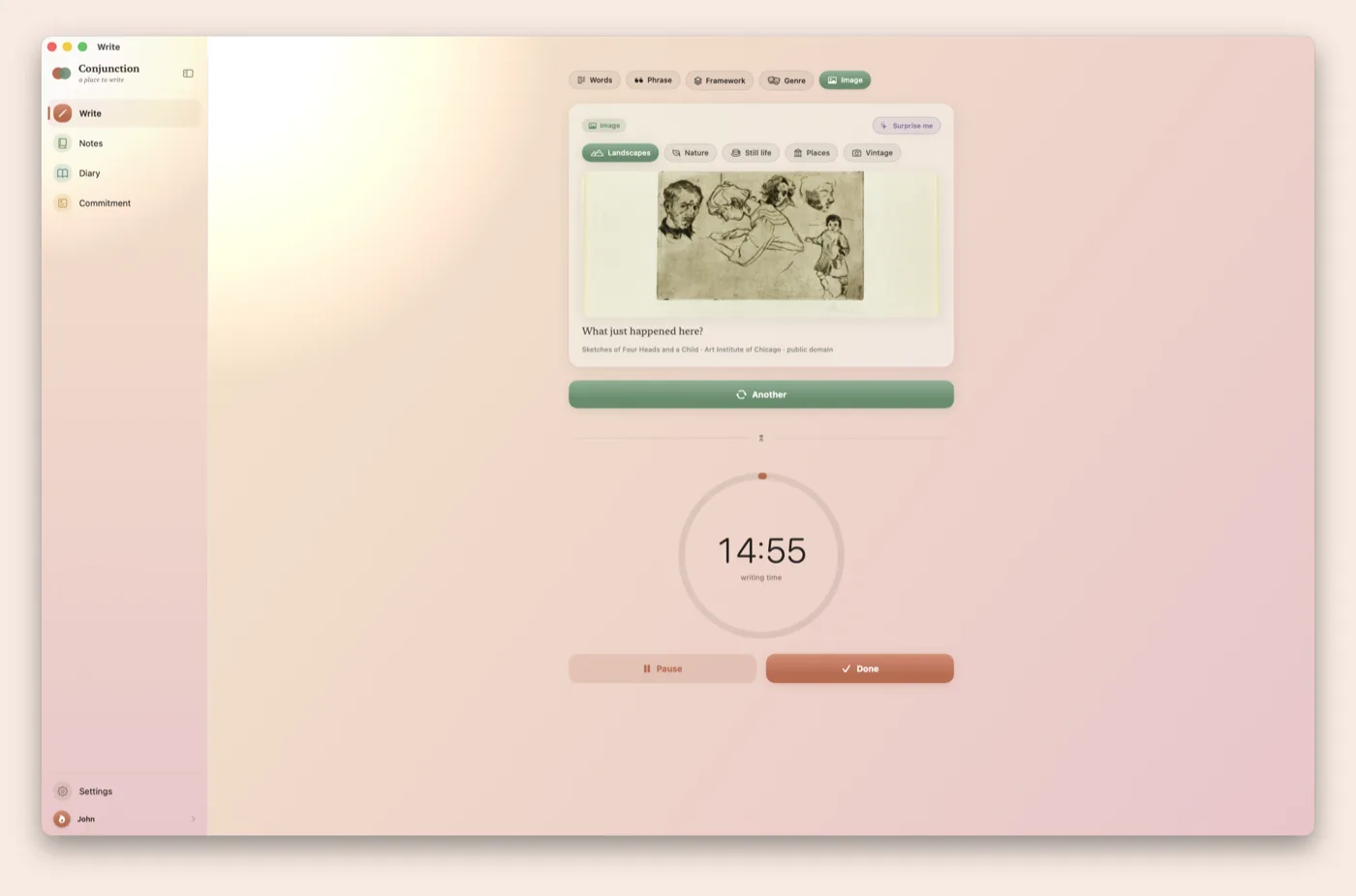
The Image prompt showing a public-domain artwork from the Art Institute of Chicago
Image promptPublic-domain artwork from the Art Institute of Chicago and The Metropolitan Museum of Art.
The writing timer counting down, with pause and done controls
TimerA countdown from 5 to 120 minutes, or no countdown. The timer does not count words.
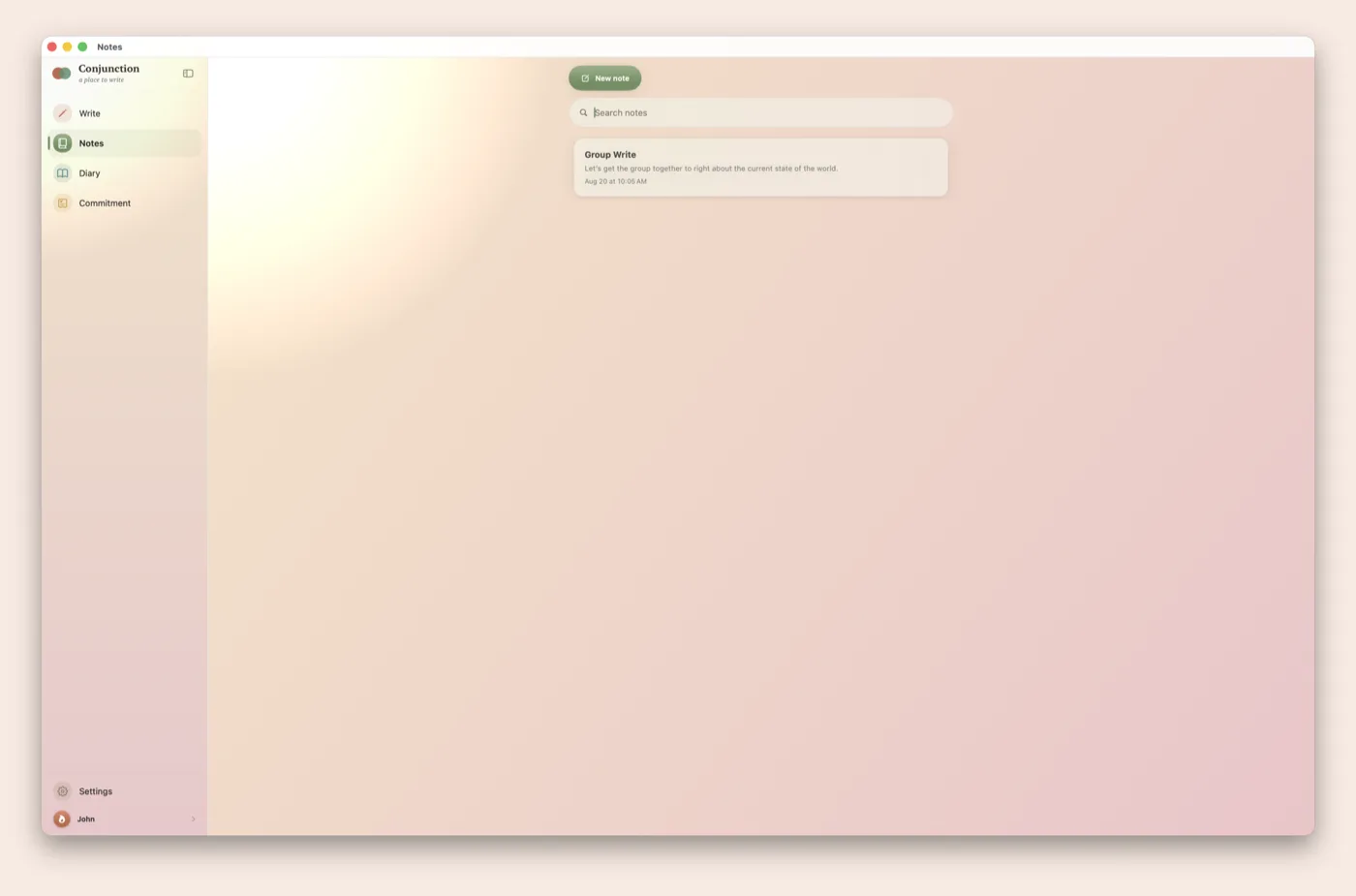
The Notes list with a search field and a new-note button
NotesSearch notes by any word, sort by date or name, and send a note by message or email.
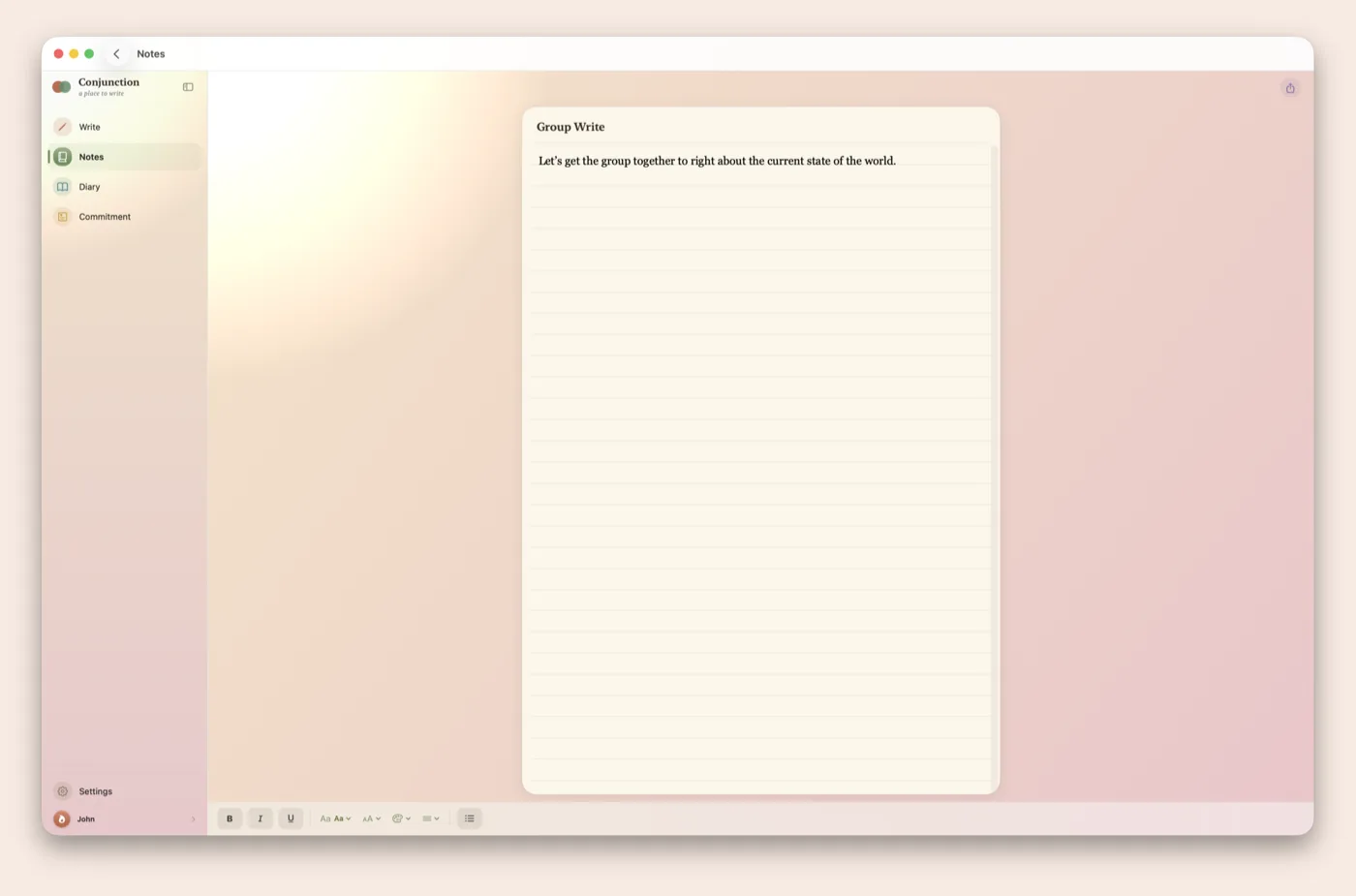
The note editor — rich text on a sheet-of-paper background, with a formatting bar
Note editorRich text with bold, italics, lists, and a choice of typeface.
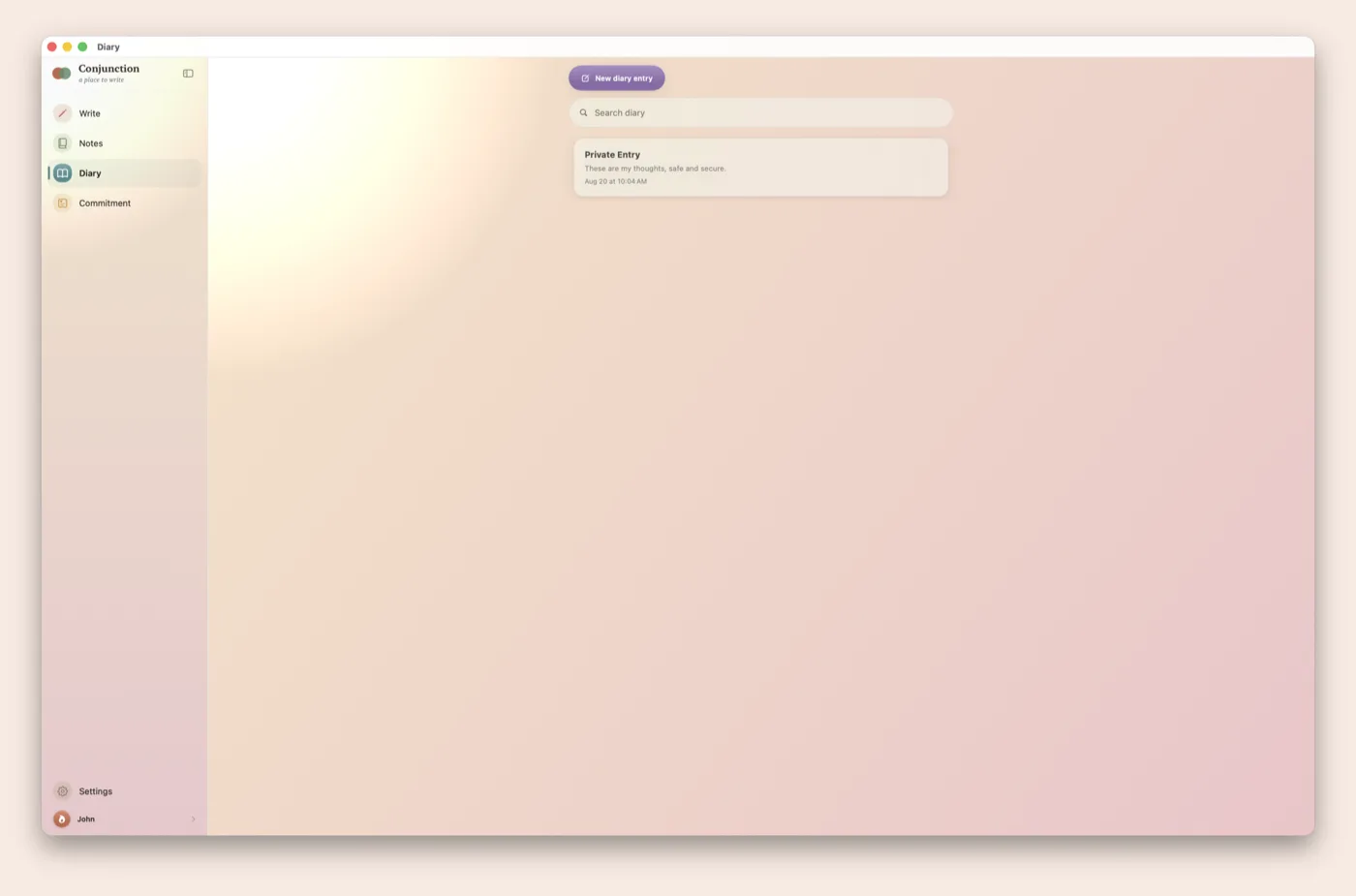
The private Diary list, kept separate from Notes
DiaryDiary entries are kept separate from notes and can be locked with Face ID, Touch ID, or a passcode.
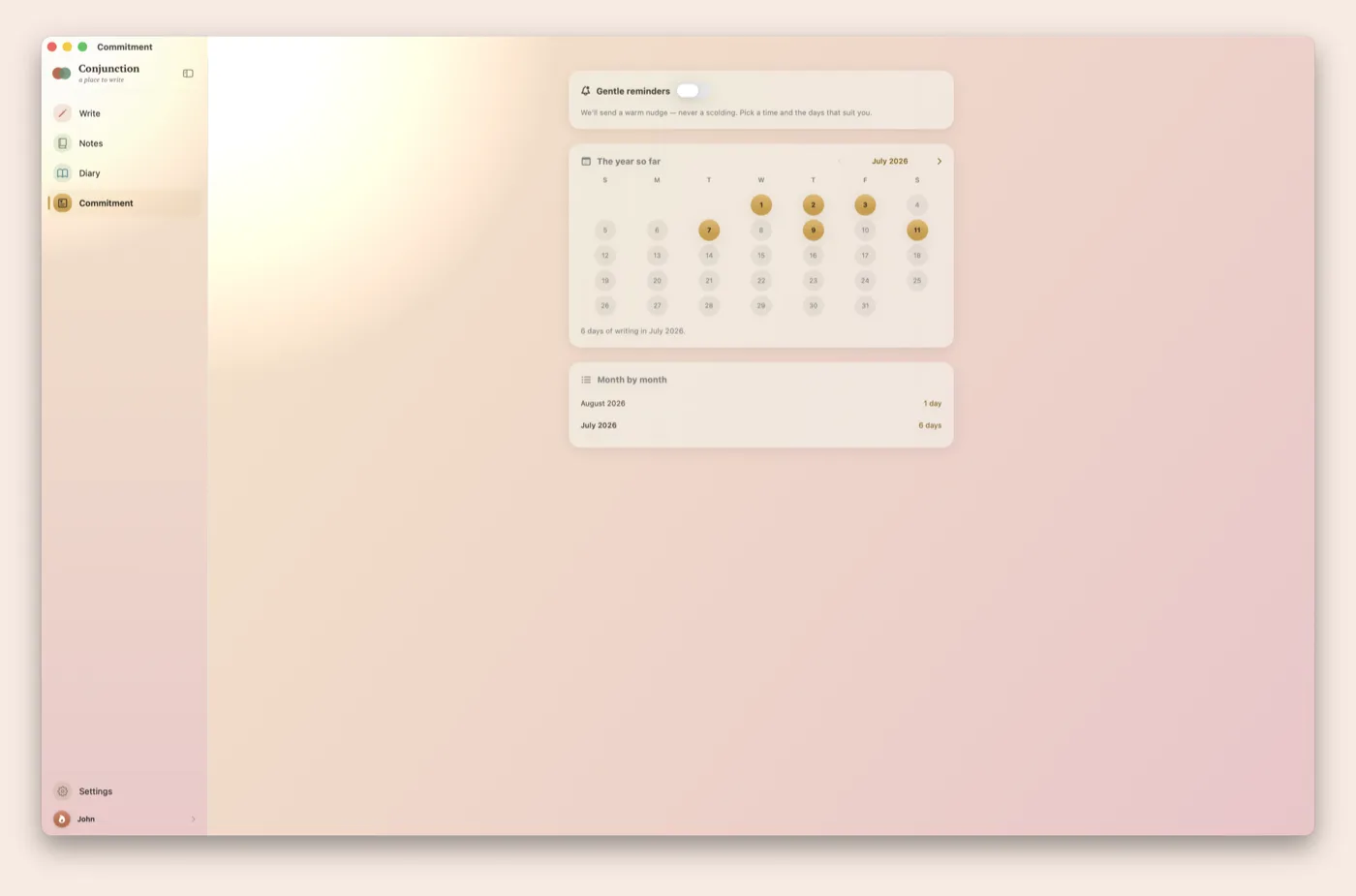
Commitment: a calendar marking the days you wrote, and a month-by-month count
CommitmentA calendar of writing days, a count for each month, and reminders at chosen days and times.

Prompts and timer

Prompt types

Prompts from words, a phrase, a framework, a genre, or a piece of art.

Image prompts

Public-domain artwork from the Art Institute of Chicago and The Metropolitan Museum of Art.

Timer

Presets of 5, 10, 15, 20, and 30 minutes, a custom length up to 120 minutes, or no countdown.

No AI

People write every prompt. The app combines prompts and does not generate text.

Notes and diary

Notes

Rich text with bold, italics, lists, and a choice of typeface. Search by any word, and sort by date or name.

Diary lock

An optional Face ID, Touch ID, or passcode lock on the diary.

iCloud sync

Notes and diary entries sync across devices through the owner's iCloud account. Stone Mesa Studio operates no servers.

Commitment

Writing calendar

A calendar marks each day with writing and shows a count for each month.

Sharing and export

Send a note by message or email. Export all writing as Markdown or PDF.

Reminders

Reminders on chosen days at a chosen time. No quotas or streaks.

Privacy Conjunction is free. It has no ads, no tracking, no account, and no AI. Notes and diary entries stay on the device and sync only through the owner's iCloud account, which Stone Mesa Studio cannot read. Nothing written in the app is shared with anyone. Read the privacy policy or get support.